Revenue Operations
Give every team numbers they can trust.
Turn fragmented CRM, marketing, and finance data into shared definitions and repeatable revenue analysis.
Keep RevOps in control of the analytical foundation. Give Sales, Finance, and your AI tools vetted inputs and calculations they can work from.
Trusted by








Build a foundation every team can reuse.
When each report starts with a different export, teams spend the review reconciling numbers. QFlow gives those reviews a common set of inputs, definitions, and calculations.
01
Connect without a migration
Bring multiple CRM instances, marketing activity, and finance inputs into the same analysis while keeping your source systems in place.
Explore multi-CRM reporting02
Agree on the definitions
Document how fields, stages, and metrics map across teams. Surface data quality issues before they become disagreements in a revenue review.
Explore data quality03
Reuse the calculations
Run recurring analysis through governed recipes. Keep the calculation and its source results available when someone asks how a number was produced.
Explore business metricsSettle the definitions before the meeting.
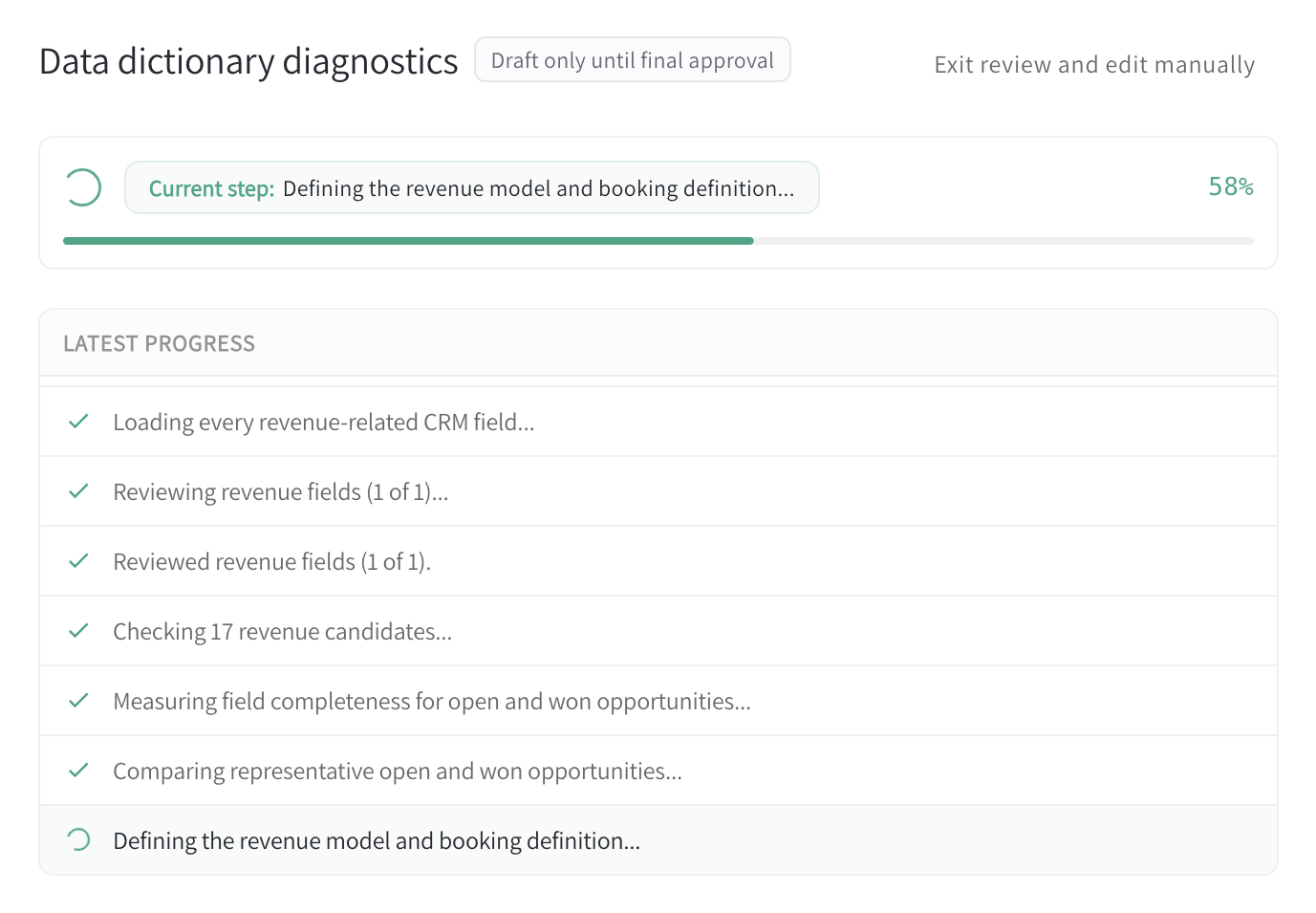
A pipeline review is only useful if everyone means the same thing by pipeline. Make field mappings, metric definitions, and data quality part of the workflow.
- Align source fields in a governed data dictionary.
- Inspect missing, inconsistent, or ambiguous inputs before using them.
- Keep definitions and quality checks available for the next review.
Turn recurring requests into repeatable reviews.
Use governed recipes to refresh the numbers. Spend the review investigating changes and deciding what to do next.
Pipeline reviews
Review coverage, pipeline movement, and pacing with the same definitions each week. Investigate what changed without rebuilding the baseline.
Conversion analysis
Compare win rates, stage falloff, and sales cycles across periods and segments. Keep cohort and stage definitions visible alongside the result.
Executive reporting
Bring bookings, pipeline, and financial inputs into a shared review. Give Sales and Finance a traceable basis for discussing the gap to plan.
Give AI the context RevOps has already vetted.
QFlow Desktop connects Claude and Codex to your governed definitions and recipe outputs through MCP (Model Context Protocol).
Publish organization skills with your team’s instructions, templates, and review steps. Sales and Finance can reuse the process without recreating the logic in every prompt.
QFlow runs the calculations. Your AI tool helps investigate and explain the results, with source outputs available for review.
Explore QFlow Desktop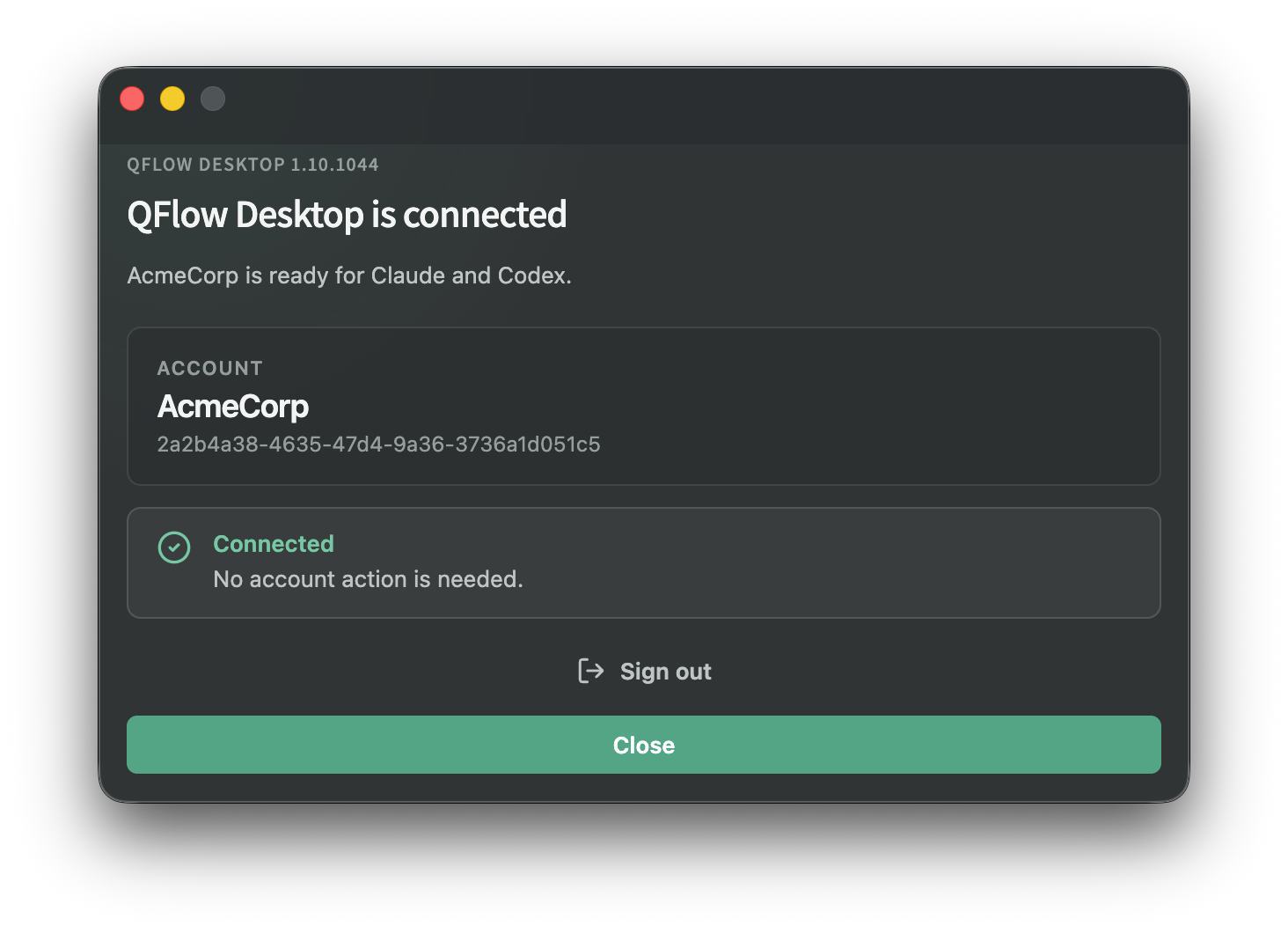
“I've rarely seen a product help usher in the type of alignment we've achieved while using QFlow.ai. The ROI has been huge, but nothing compared to the cost of inaction.”
Before your next revenue review
Do we need to consolidate our CRMs first?
No. QFlow supports analysis across multiple CRM instances without requiring a CRM migration. Map the source fields and definitions so teams can compare results across entities while keeping their existing systems.
How do we keep AI analysis consistent across teams?
Give Claude and Codex the same governed definitions and recipe outputs through QFlow Desktop and MCP. Recipes run the calculations; versioned organization skills carry your team's instructions and review steps. The models may explain a result differently, but the analytical basis stays reviewable.
Where should a RevOps team start?
Choose one recurring review, such as pipeline coverage or win-loss analysis. Connect the relevant sources, review the field definitions and data quality, and establish the recipe outputs. Then turn the review process into a shared skill that other teams can reuse.
Bring the report everyone asks you for.
Start with a pipeline review, conversion analysis, or cross-entity rollup. Build a repeatable workflow around it.